
How Trunk works
-
1
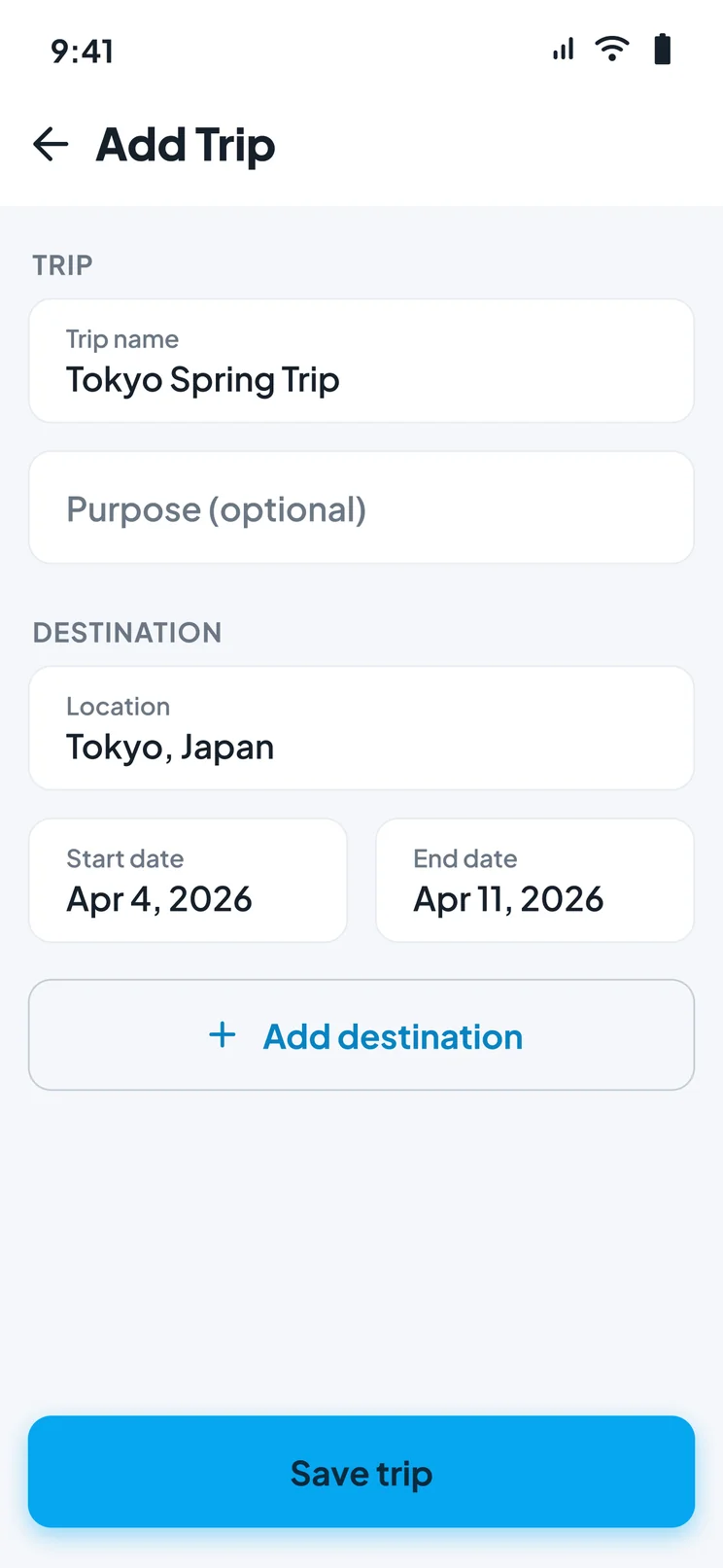
Create your trip
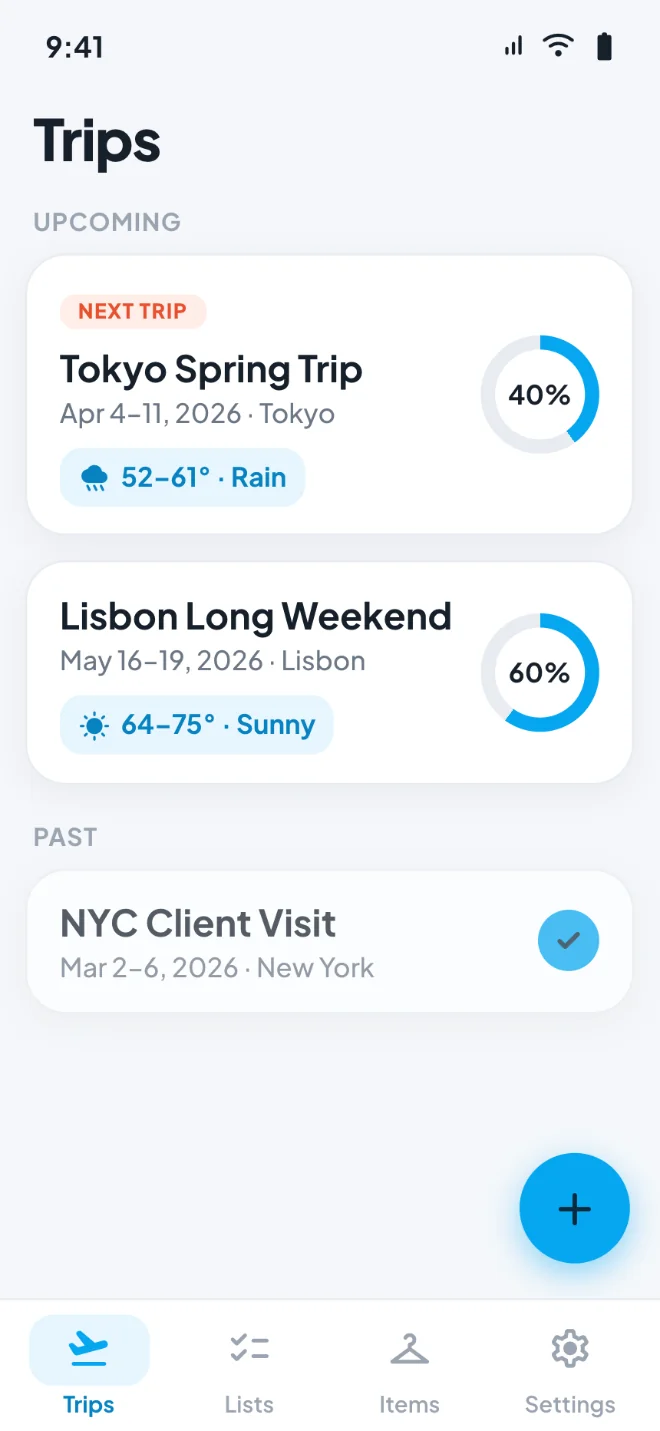
Add your destination and travel dates. Trunk keeps every trip separate, so a weekend away and a two-week holiday never get tangled together.
-
2
Build your packing list
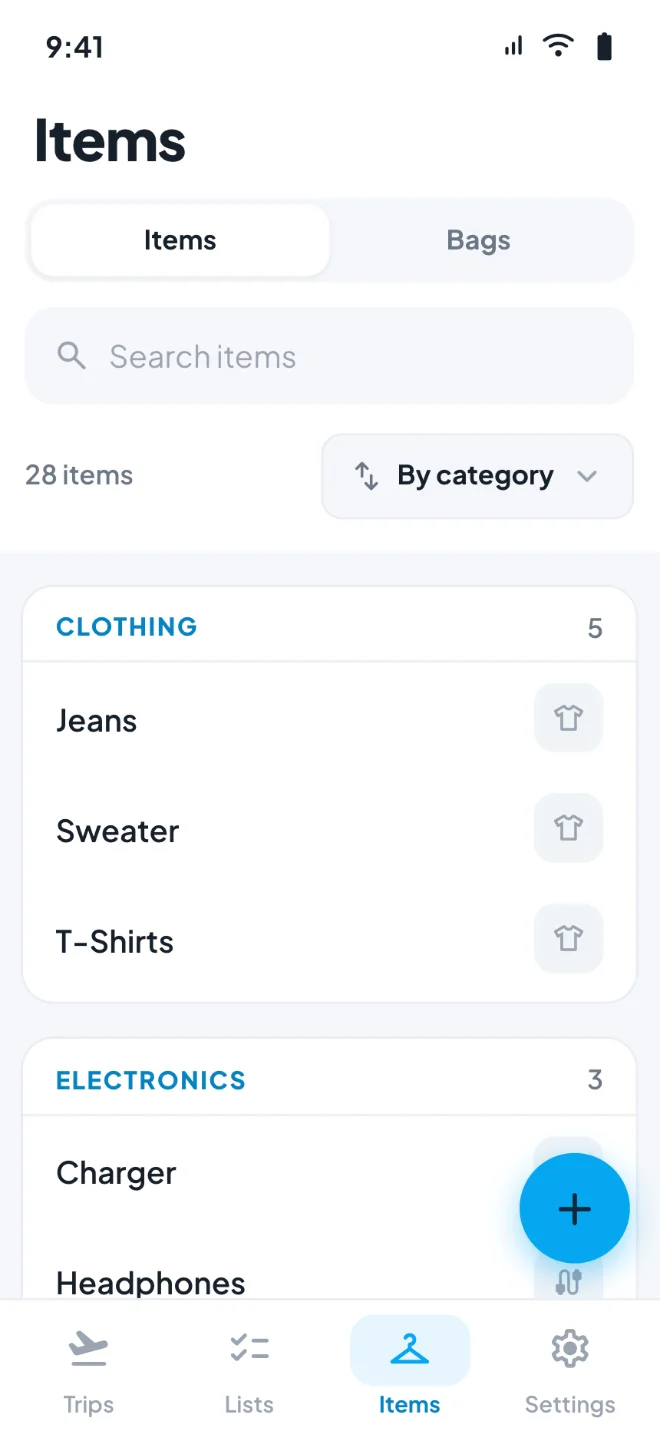
Pull items from your saved inventory or add new ones as you think of them. Group them by category so nothing hides at the bottom of a long list.
-
3
Pack and check off
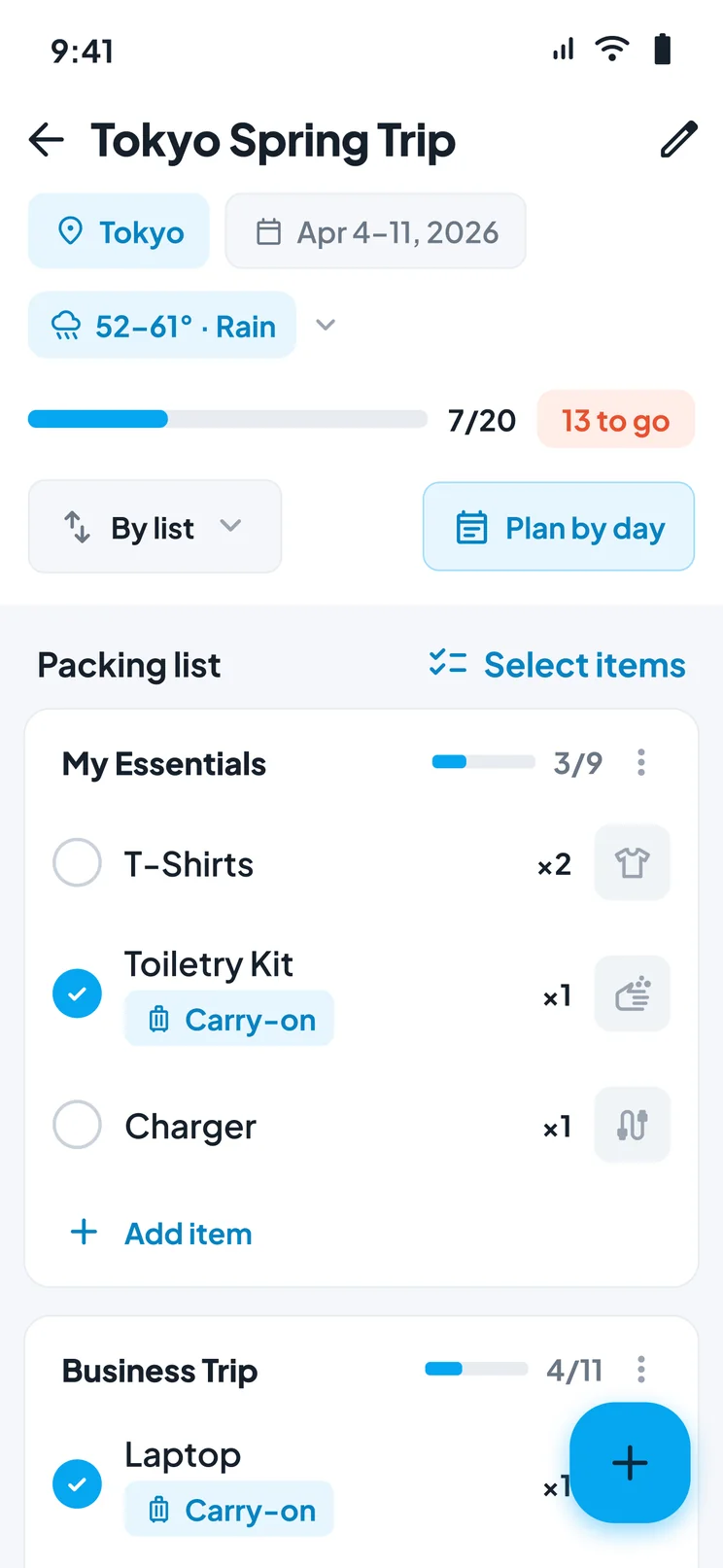
Assign each item to a specific bag as you pack it. Trunk shows what is still unpacked and what is inside every bag, right up to the moment you leave.
Everything you need to pack for a trip
Create Trips
Set your destination, dates, and trip notes, then keep every trip's packing list in its own place.
Build Packing Lists
Add items, assign them to bags, and watch your packing progress as you check things off.
Item Inventory
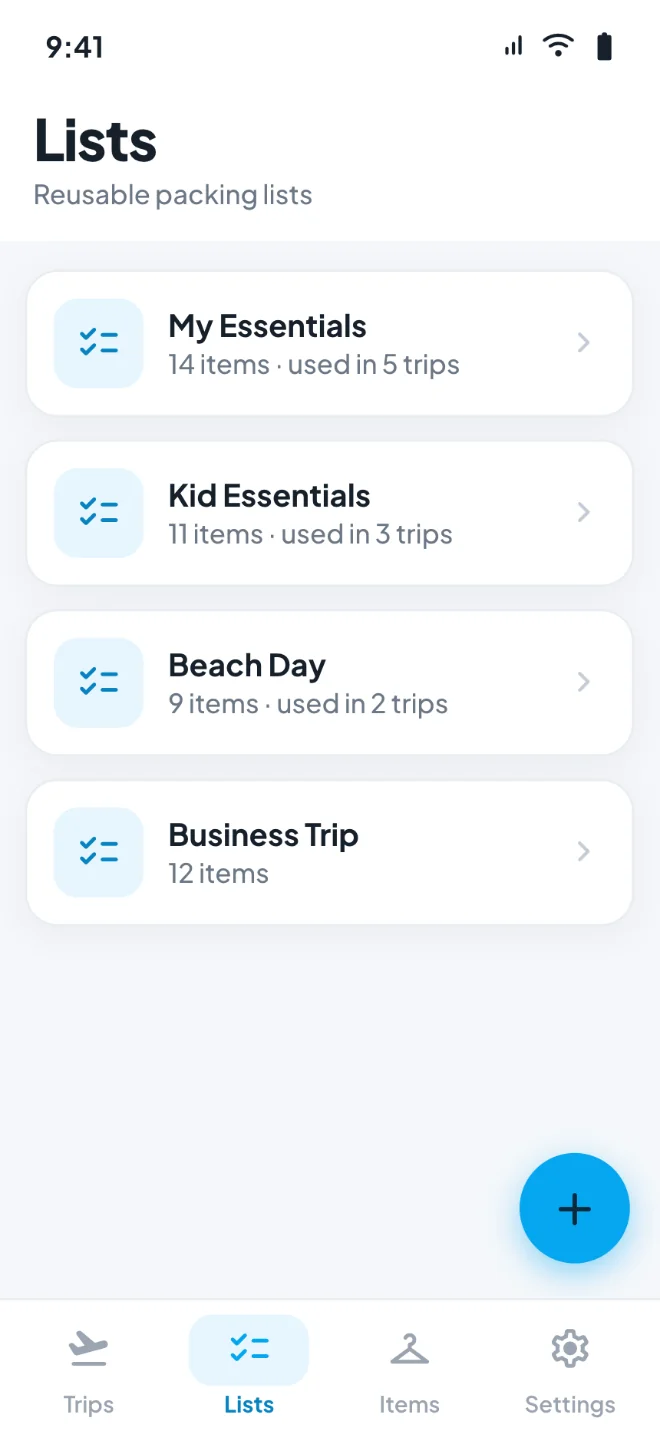
Keep a reusable inventory of everything you travel with, categorized and ready to drop into your next trip.
Luggage Tracking
Know which suitcase, carry-on, or backpack every item went into — no more unzipping three bags to find your charger.
Built for every kind of trip
Carry-on only
When every cubic inch counts, a written list is the difference between fitting a week into one bag and checking luggage you did not need. Build the list, trim it down, then pack against it.
Family travel
Packing for four people means four sets of essentials and four times the chances to forget something. Keep a separate list per traveler and track whose things went into which bag.
Business trips
The same trip, over and over. Save your standard work-travel list once and apply it to the next booking in seconds — chargers, adapters, and the good shirt included.
Long and multi-stop trips
Longer trips mean more gear and more bags. Trunk keeps the full inventory visible, so you can see what is packed, what is missing, and where it all is before you move on.
Why travelers choose Trunk
No account required
Download it and start packing. There is no sign-up, no password, and no profile to create.
Your data stays on your device
Trips, lists, and photos are stored locally on your phone rather than uploaded to us. We never see them.
Works without a signal
Your packing lists work offline, so a hotel with bad Wi-Fi or a plane at 30,000 feet does not lock you out.
Lists you can reuse
Your item inventory carries from trip to trip, so the second trip packs faster than the first.
Frequently asked questions
- Is Trunk free?
- Yes. Trunk is free to download and use, with no ads and no subscription required for the packing features. A paid Pro tier with additional features is in development.
- Does Trunk work offline?
- Your trips, packing lists, items, and bags all work offline, because they are stored on your device. Two things need a connection: searching for a destination and loading the weather forecast for a trip.
- Do I need an account to use Trunk?
- No. Trunk has no accounts and no sign-up. Open the app and start building a list.
- Can I reuse a packing list for another trip?
- Yes. Trunk keeps a personal item inventory that carries across every trip, so you build each new list from things you have already added instead of starting over.
- Can Trunk tell me which bag an item is in?
- Yes — that is what luggage tracking does. Assign each item to a specific bag as you pack, and Trunk shows you at a glance what is inside every bag.
- Is Trunk available on Android?
- Trunk is on iPhone and iPad today. An Android version is in development.
- Where is my data stored?
- On your device. Your trips, packing lists, items, and photos are stored locally and are not uploaded to us — there are no accounts, and we build no profile of you. Your device's own iCloud or Google backup may include the app's data, and limited anonymous usage and crash information is collected unless you turn it off. Full details are in our privacy policy.